How to Write Better Prompts for Better Answers From Your Favorite AI Tool

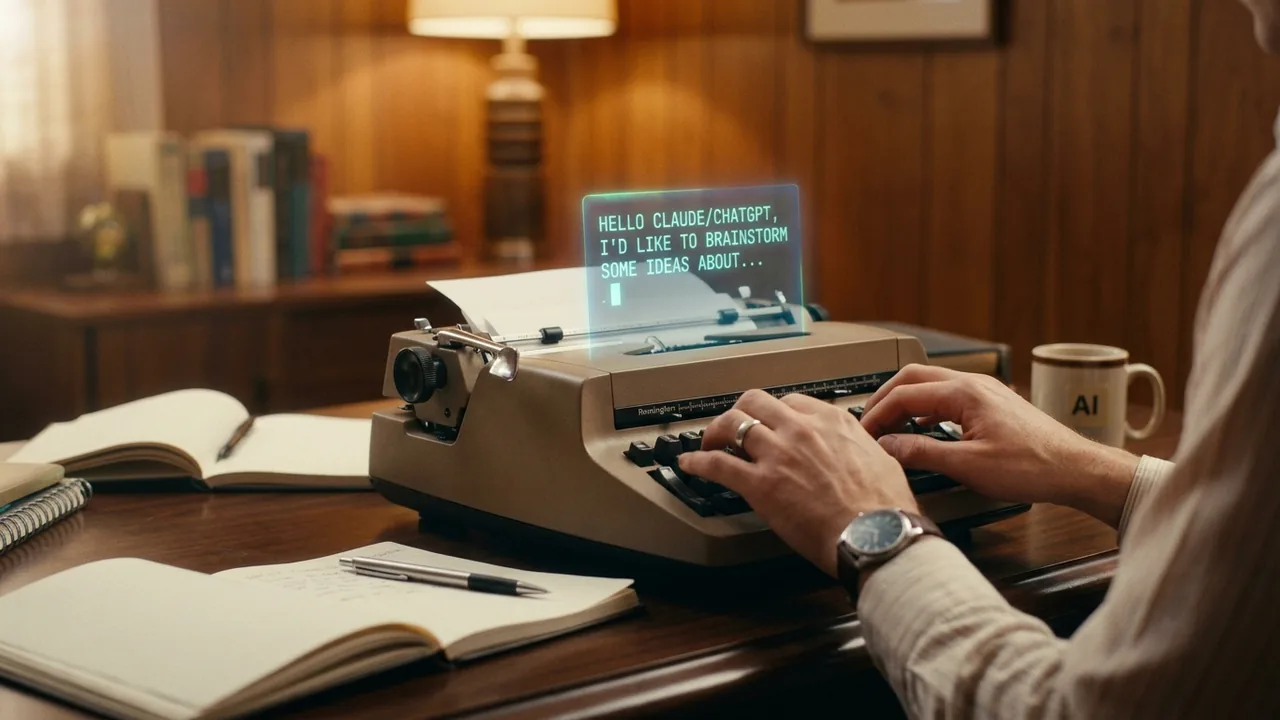
Here's a complaint you hear constantly: "I tried ChatGPT and it gave me something generic." The response felt like a . Technically correct, completely useless. Most people conclude the tool isn't very good and move on.
They're blaming the wrong thing. Generic AI responses come from vague requests, not tool limitations. The AI didn't fail. The did.
The AI Only Knows What You Type
A prompt is the you give an AI tool, including all the details and you provide with it. And here's the fundamental truth about prompts: the AI reads only the words you typed. Nothing else.
It doesn't know your situation. It doesn't know what happened last week. It doesn't know who the message is for, what tone you need, or what you've already tried. It can't read your mind, and it can't see your context. Every piece of information the AI uses to answer you either came from its or came from your prompt. If a detail matters and you didn't type it, the AI is working blind on that detail.
Humans forget this because human conversations don't work this way. When you ask a coworker for help, they already know your company, your role, and probably half your situation. AI starts every knowing none of that. Treat it like a very capable stranger, because that's what it is.
A Tale of Two Prompts
Watch what happens with a real .
The vague version: "Help me write an email about a charge on my bill."
The AI has almost nothing to work with. What charge? What bill? Are you disputing it or asking about it? Angry or polite? So it produces exactly what you'd expect: a hollow, fill-in-the-blank template. "Dear Sir or Madam, I am writing regarding a charge on my recent bill..." You could have found the same thing with a web search. This is where people give up on AI.
The specific version: "Help me write an email disputing a $94 charge on my Verizon bill from March. It's labeled 'equipment protection' but I never signed up for that. I called about this in November and was told it was removed. I've been a customer for six years. I want the tone firm but not hostile."
Same tool. Same request type. Completely different result. Now the AI's response the $94 charge by name, points out that the November call already addressed this, mentions the six-year relationship as leverage, and lands the exact tone you asked for. It reads like something you actually wrote, because it's built from your actual situation.
The difference between those two outcomes was about twenty seconds of typing.
The Three Elements of a Good Prompt
You don't need a formula memorized. You need three things in your head before you type:
- What you're trying to do. The actual goal. Dispute a charge, explain a concept, draft an announcement, compare two options.
- What the AI needs to know. The relevant details of your situation. These details are called : the specific facts and limitations that shape the answer. Amounts, dates, names, history, audience, tone.
- What the output should look like. The output format is simply what shape the response should take. A short email, a bulleted list, a table, three options ranked, a 200-word summary.
Miss the first element and the AI guesses your goal. Miss the second and it fills the gaps with generic filler. Miss the third and you get a wall of text when you wanted a checklist.
The Optional Fourth Element: Role Assignment
There's a bonus technique worth knowing: role assignment. This means telling the AI to respond in a particular way, as a specific kind of expert, teacher, or coach.
"Explain how mortgages work" gets you a decent explanation. "Explain how mortgages work as if you're a patient middle school teacher" gets you something noticeably clearer, with simpler words and better analogies. The role shapes the vocabulary, the depth, and the tone all at once.
You can assign almost any role. A skeptical investor reviewing your pitch. A copy editor with strict grammar standards. A friendly coach walking a beginner through their first workout plan. The AI has absorbed the patterns of how these different roles communicate, and naming the role activates those patterns.
A Template You Can Steal
If you want a starting structure, use this:
"I need help with [situation]. Here's what's going on: [2-3 sentences of background]. The important details are: [your constraints]. Please give me [specific output type]."
Filled in, it looks like this: "I need help with a message to my landlord. Here's what's going on: my lease renewal came in 12% higher, and comparable units in my building are listed lower online. The important details are: I've been here four years, always paid on time, and I'm willing to sign a two-year lease for a smaller increase. Please give me a short, polite email proposing that trade."
That prompt takes under a minute to write, and the response will be miles beyond anything a one-line request produces.
Prompt Engineering Is Not What It Sounds Like
You may have heard the term and pictured something technical, maybe involving code or secret keywords. It isn't. Prompt engineering just means making your requests more specific and detailed to get better results. That's the whole discipline for everyday use.
There's no magic phrase, no hidden syntax, no advanced course required. The professionals who get remarkable results from AI are mostly doing exactly what this article describes: stating the goal, supplying the details, and defining the output. They just do it consistently.
And consistency comes fast. Give it one week of deliberate practice. Every time you type a prompt, pause and ask: did I say what I'm trying to do, what the AI needs to know, and what I want back? After a week, you won't have to ask anymore. Providing detailed context becomes automatic, the same way you stopped thinking about how to write a text message years ago.
The Bottom Line
The quality of what you get out of an AI tool tracks the quality of what you put in. Vague in, generic out. Specific in, useful out. The tool was never the problem. Give it your real situation, your real details, and a clear picture of what you want, and it will stop sounding like a template and start sounding like help.