
Workshop recordings
Build an AI assistant that knows you.
$79 · Fri, Oct 30, 12:00 PM CT · Sat, Oct 31, 12:00 PM CT
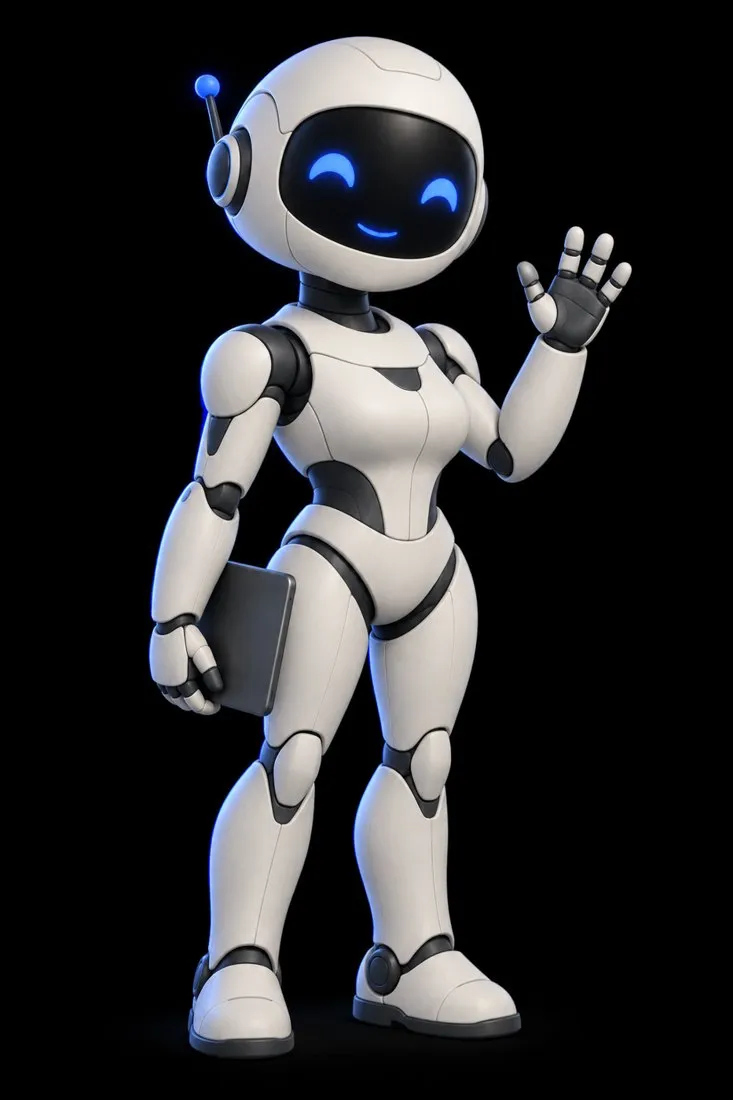
Your own assistant that reads your calendar and email, remembers your work, and starts jobs before you ask. Day 1 shows our assistant, Jess, and three rivals at work. Day 2 builds yours on Claude, step by step.
- recorded sessions
- 2recorded sessions
- ready-made tasks
- 22ready-made tasks
- replays available through
- Dec 31replays available through
The problem
Your chatbot forgets you every time you close the tab.
It cannot see your calendar or your inbox, and it waits for you to type. A real assistant needs three parts. Jess has all three, and you will build each one into your own.
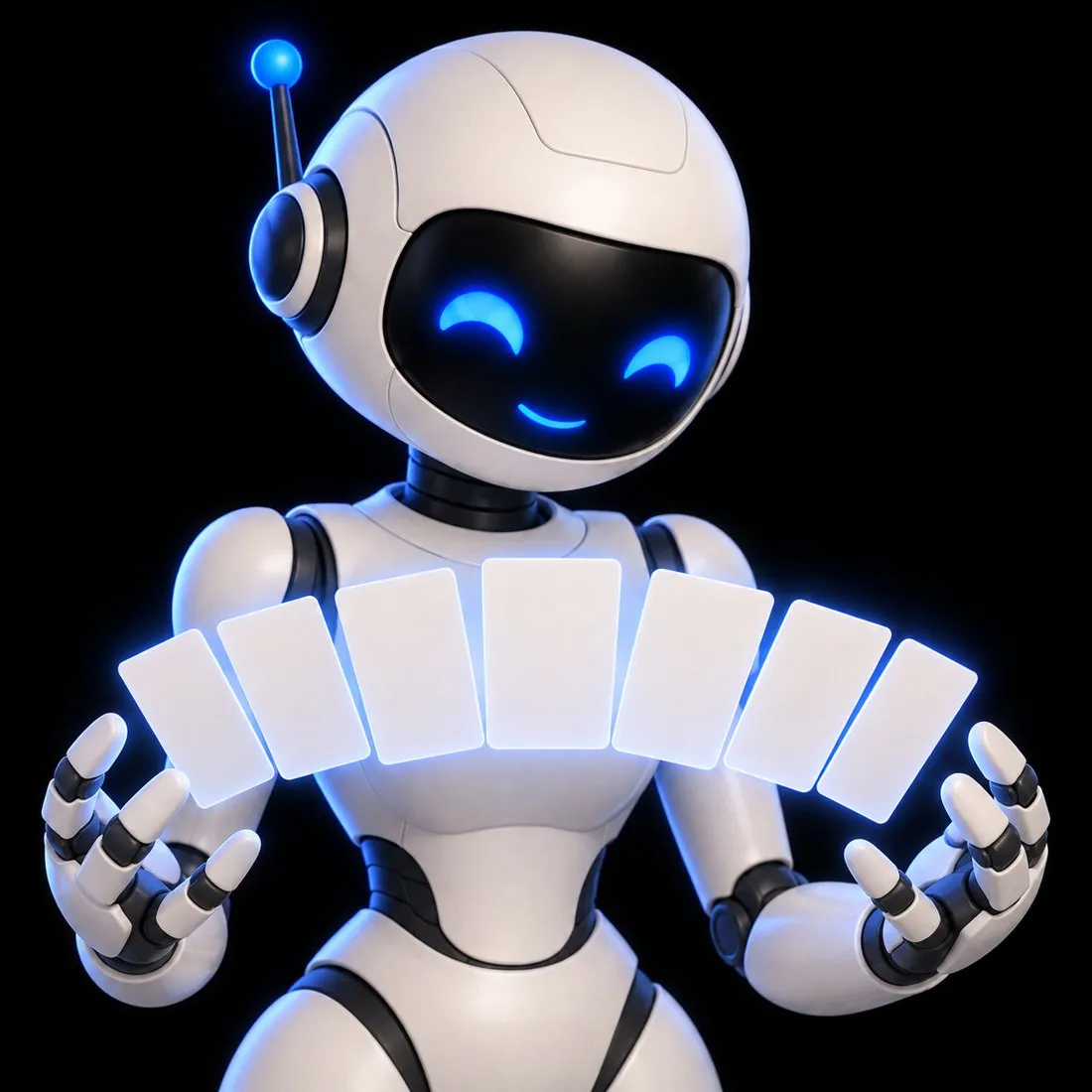
A brain
She knows your work, your voice, and your rules, so you stop re-explaining yourself.
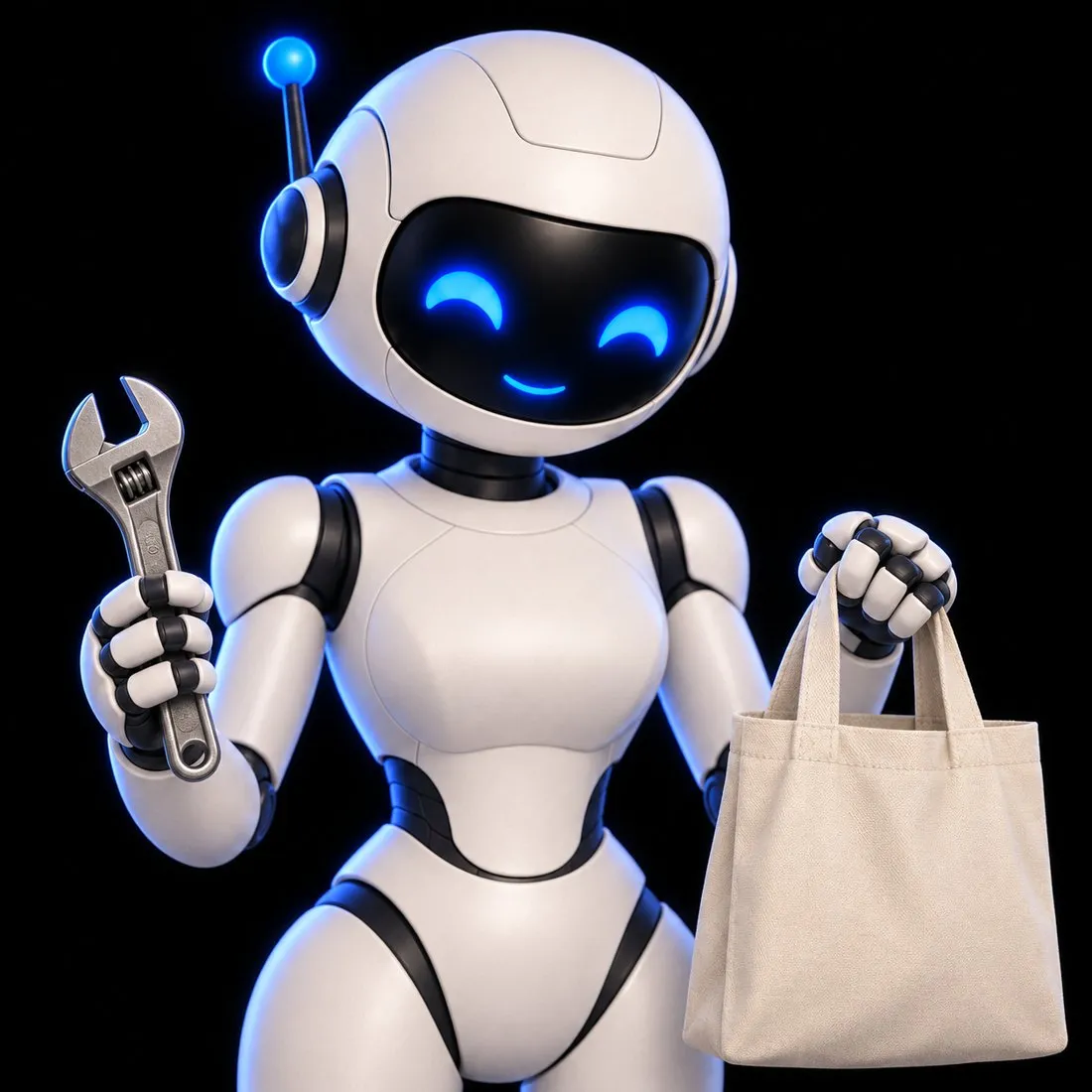
Hands
She can reach your calendar, your email, and the web, so she does the task instead of describing it.
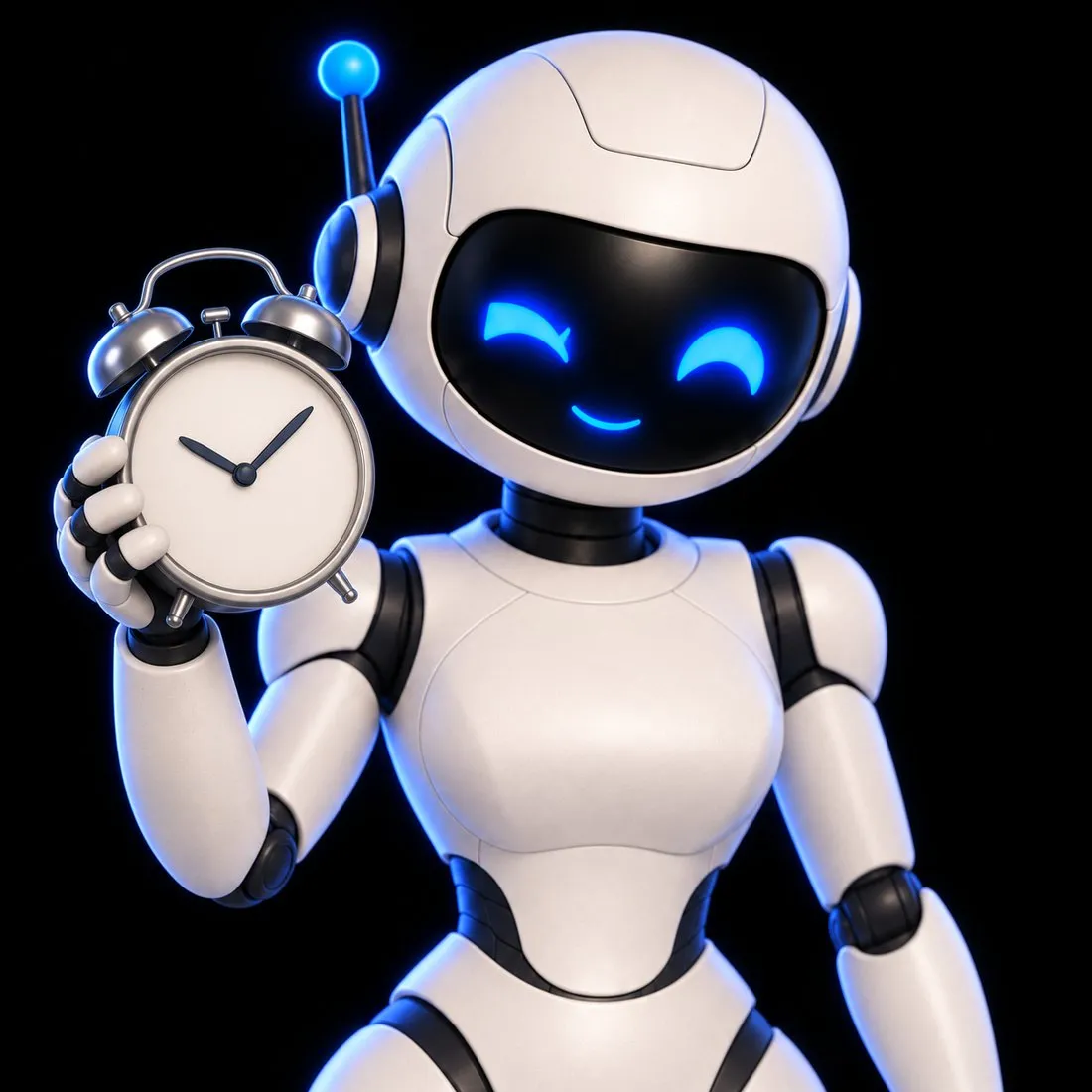
An alarm clock
She starts jobs on her own schedule, before you open a chat window.
The plan
Two days. One assistant that is yours.
Day 1 · Fri, Oct 30, 12:00 PM CT
- Day 1
See the options, then build your own
About 60 to 90 minutes. Demos of Grok Bot, Muse, ChatGPT Dots, and Jess. Where each one is strong and where each runs out. How Jess is built, piece by piece. You leave with the lab bundle.
Day 2 · Sat, Oct 31, 12:00 PM CT
- Day 2
Build your own assistant, step by step
About 90 to 120 minutes. A build on Claude, step by step. You follow along on your own account. The brain, the hands, the alarm clock. You name your assistant and shape it around your own work.
Day 1 lineup
Four assistants, side by side.
You see what each one does well before you pick a path.

Grok Bot
Our pick for coordinating a small roster of AI workers.

ChatGPT Dots
Our pick if your work already lives in ChatGPT.

Muse
Our pick for personal errands.
Jess
The one we built. On Day 2 you build your own.
Included with every seat
The lab bundle goes home with you.
Everything you need to build your own assistant again, at your own pace.
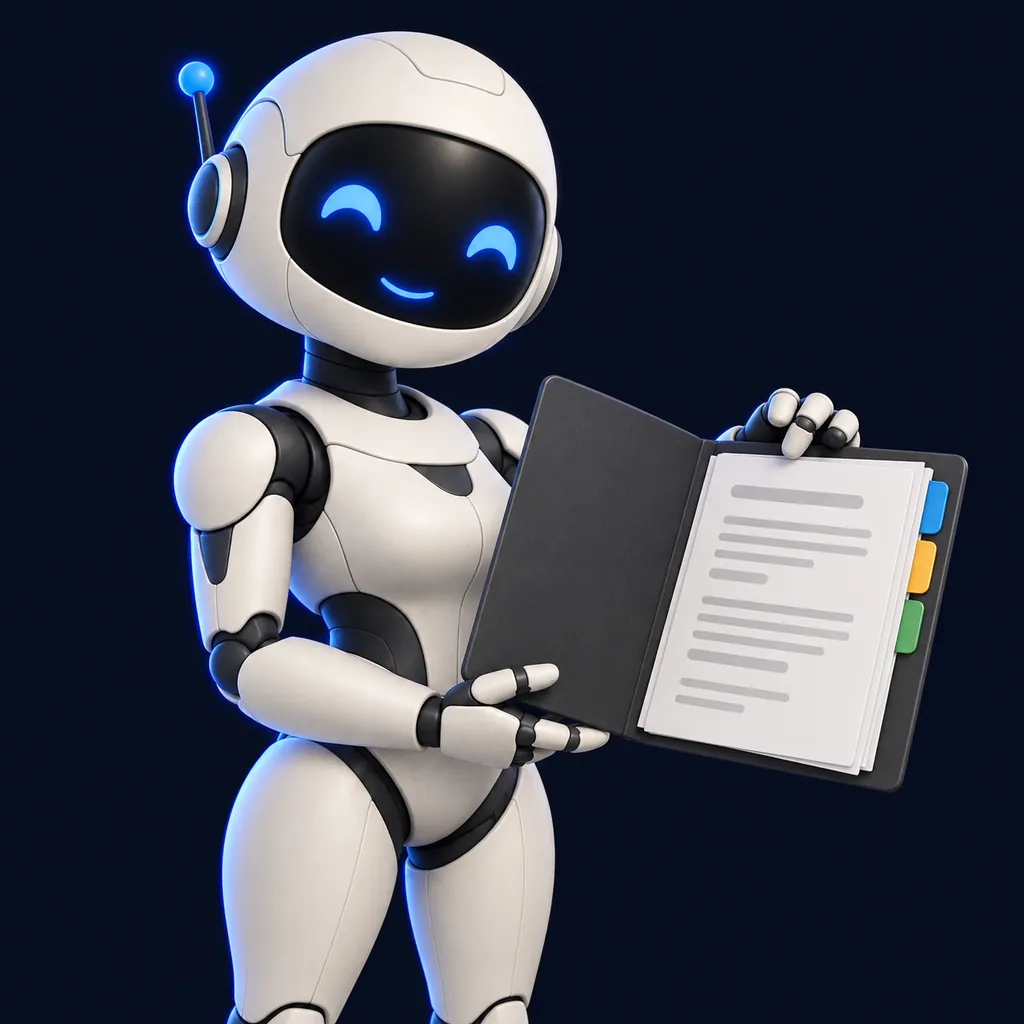
The build guide
Every step, in order, written for people who do not code.
Copy-and-paste prompts
One for each step, so you never face a blank box.
The Brain Kit
Seven starter files and a loader that teach your assistant who you are.
The Recipe Book
22 one-page jobs to hand your assistant on day one.
Who it is for
Made for busy people, not engineers.
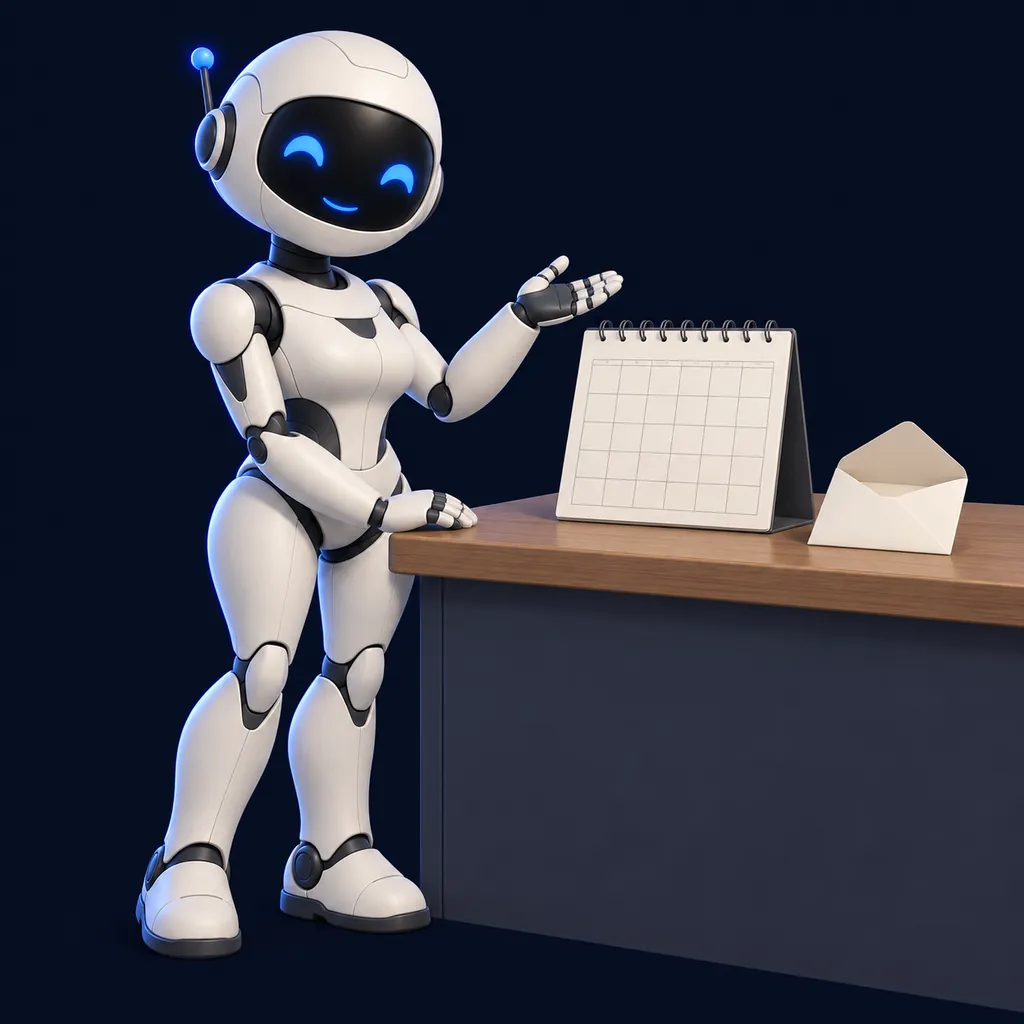
You run a business
Hand your assistant the scheduling, follow-ups, and inbox sorting that eat your evenings.
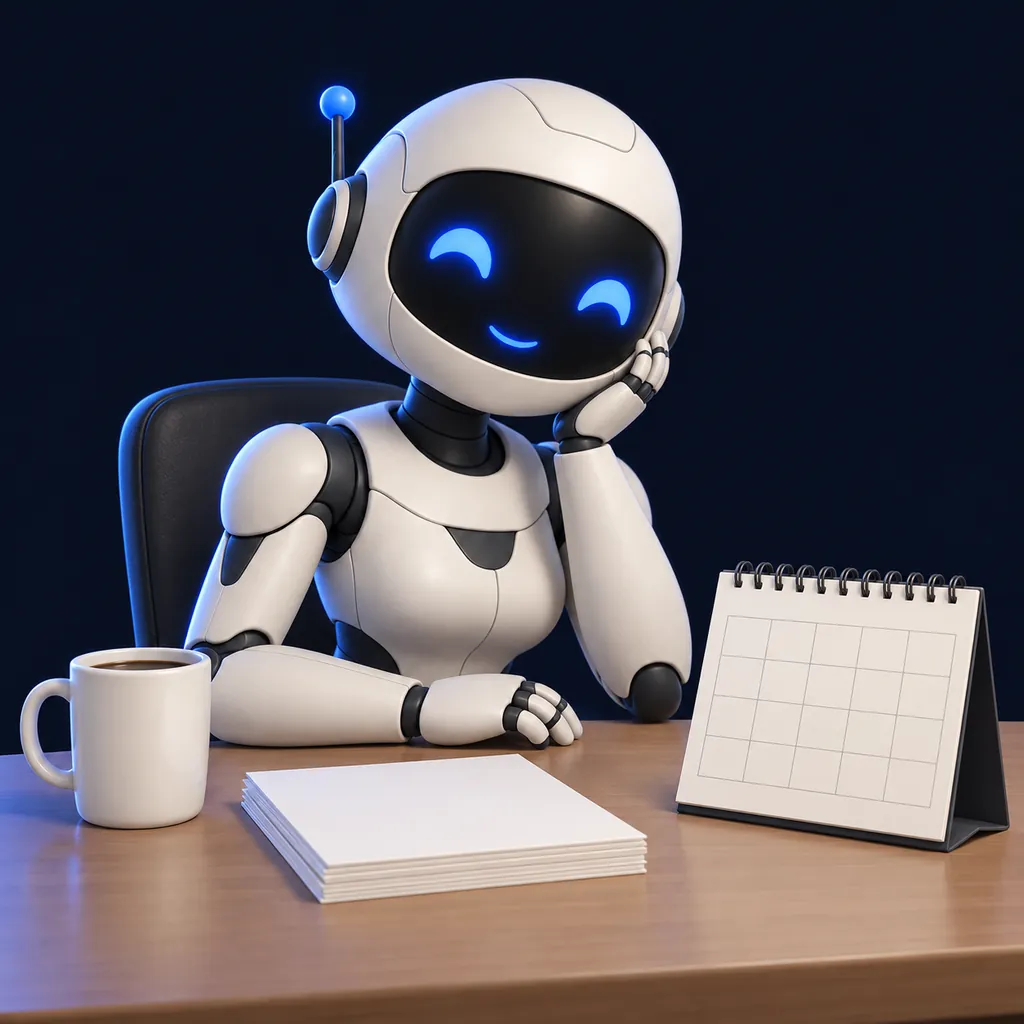
You have a job
Start each morning with your day sorted and walk into meetings prepared.

Your host
Bhaskar Pandey
AI and automation solutions engineer, Houston, Texas.
Bhaskar spent more than a decade in enterprise network and security engineering at Rackspace, World Wide Technology, and Epicor. In 2020 he founded Almora Technology, where he builds AI and automation systems. He built LearnStack OS on his own, and he built Jess, the assistant you see in the demo.
Google Cloud Generative AI Leader, verified on Credly. Has built AI agent tools, retrieval systems, and Claude skills.
Get the replays.
Registration is closed. Annual Premium includes the recordings of both days, the slide deck, the DIY Guides, and the artifacts for as long as your membership stays active. Registered attendees watch their recordings from the Webinars window on the LearnStack OS desktop.
Fri, Oct 30, 12:00 PM CT · Sat, Oct 31, 12:00 PM CT
$79
Members pay $39.50 and get every replay free 30 days after. Join Premium
Missed it? Buy the replay for $79.
Sign in to buy the replayFull refund if requested at least 24 hours before the webinar starts.
Questions
Do I need to be technical?
No. If you can copy, paste, and follow along on a video call, you can build your own assistant.
What do I need for Day 2?
A paid Claude plan from Anthropic. Claude Pro is $20 a month, billed by Anthropic, not by us. You need it to connect your calendar and email.
Will my assistant be finished by the end of Day 2?
Maybe not, and that is normal. Everyone builds for different jobs, so some people finish on the day and some need more time.
Can I attend only Day 2?
Day 2 is part of the Both Days seat. It builds on what you see on Day 1.
What if I miss a session?
Annual Premium includes the recordings of both days for as long as your membership stays active.
When does registration close?
Registration closed on November 1, 2026. Annual Premium includes the slides, DIY Guide, artifacts, and replays of both days for as long as your membership stays active.
Can I get a refund?
The full-refund window ended when Day 1 started. If something is wrong with your order, email support@learnstackos.com.
When are the sessions?
Day 1: Friday, October 30, 12:00 PM Central Time (recorded). Day 2: Saturday, October 31, 12:00 PM Central Time (recorded).
Meet Jess. Then build your own.
October 30 and 31, 2026. Recordings come with Annual Premium.