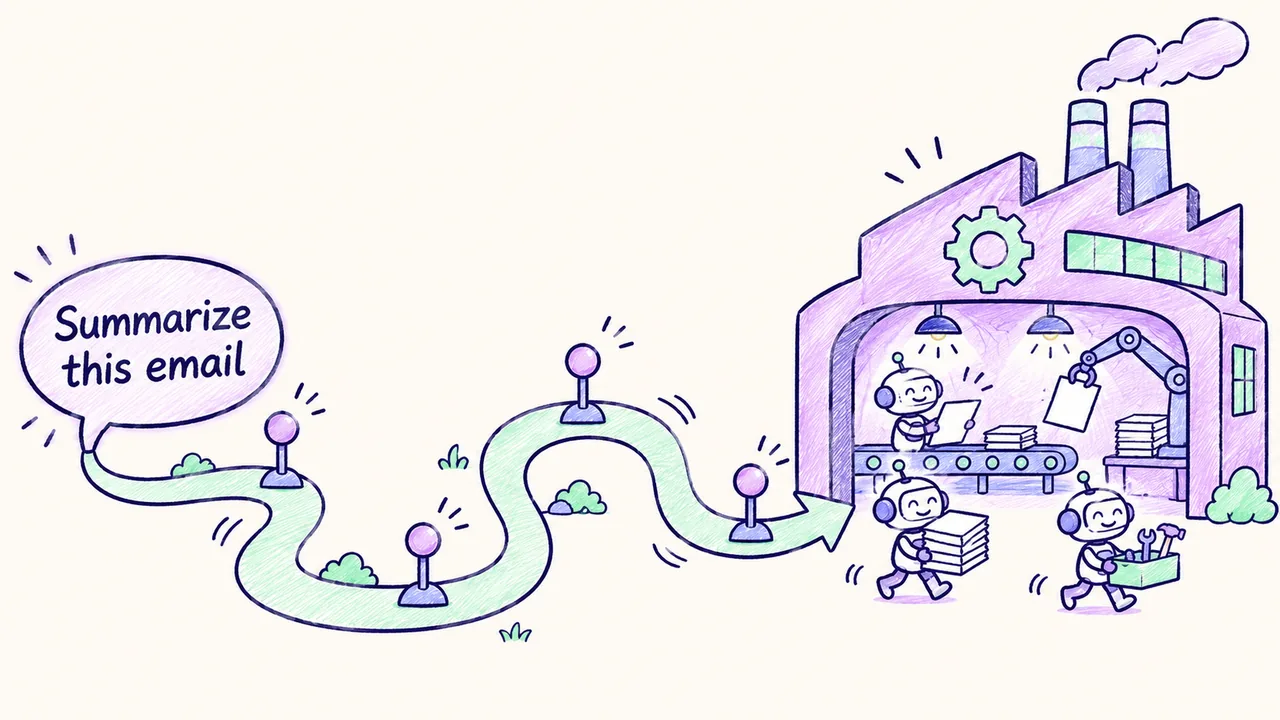
Part 1: Become an AI Automation Engineer - A Roadmap

An AI automation engineer builds systems where a model does real work: it reads a request, calls , and hands back a result someone can use. The job sits between software engineering, work and a bit of product thinking.
This article is the roadmap for getting into that role. It has two halves. The first gets you through the screening call, the short first where a recruiter decides whether to keep going. The second is a study order that points into the rest of this series.
First screens are short. Many AI automation engineer roles, especially contract roles placed through staffing firms, start with a 10 to 15 minute screen. Sometimes it's an automated voice screen with a virtual recruiter. It checks fit, terms and availability more than deep technical skill, so crisp, specific answers matter most. Practice your intro out loud twice, then study in the order below.
Fast review (60 seconds)
- Screens run 10 to 15 minutes and test fit, terms and availability before technical depth.
- Your intro has four beats: what you do, your , your best proof with a number, and what you want.
- Pick one real project and give its before and after. Use your own numbers.
- Decide your engagement terms before the call: contract structure, work authorization, availability, restrictions and location.
- Settle your rate approach in advance, and confirm whether a quoted rate is W-2 or contractor.
- Study in this order: your stories, agents, , and , workflow tools and SaaS APIs, code and DevOps, then stakeholders, SDKs and the question bank.
Key terms
- Screen: the short first call, with a recruiter or an automated , that decides whether you move on.
- Staffing firm: a company that places contractors with client companies and often runs the first screen.
- W-2: you are an employee of the staffing firm, which withholds taxes from your pay (a US term).
- Corp-to-corp (C2C): your own company contracts with the staffing firm or client, and invoices for your work.
- Independent contractor: you work for the client under a contract, not as an employee, and handle your own taxes.
- Work authorization: your legal right to work in the country without employer sponsorship.
- Non-compete: an agreement that limits who else you can work for.
- STAR: a way to tell a story in four parts: Situation, , Action, Result.
- Agent loop: the cycle where a model reasons, calls a tool, reads the result and repeats until done (covered in Article 2).
Your 60-second intro
A good intro has four beats. Here's the shape, with an for each.

- What you do
- Background
- Best proof
- What you want
- One line on what you do. "I build AI systems that people actually use."
- Your background, and what it brings. "I spent several years as a systems administrator, so I come at AI with an operations and reliability mindset." This is an illustration. Use your own earlier role and say what it gives you. Say your real number of years plainly. Many roles ask for a minimum, often 5 or more years in IT or software engineering.
- Your best proof, with a number. Pick one project and give the before and after. For example (an illustration, not a real project): "I built an invoice-processing workflow that cut handling time from 20 minutes to 5 minutes per invoice, with accuracy checked against a reviewed sample." Use your own project and your own real numbers.
- What you want. "I'm looking for [the kind of work you want, such as remote contract or full-time roles] where I take automations from idea to production."
Then add one or two supporting items in a single sentence: an MCP server you run, an open-source agent project, or a voice agent you built.
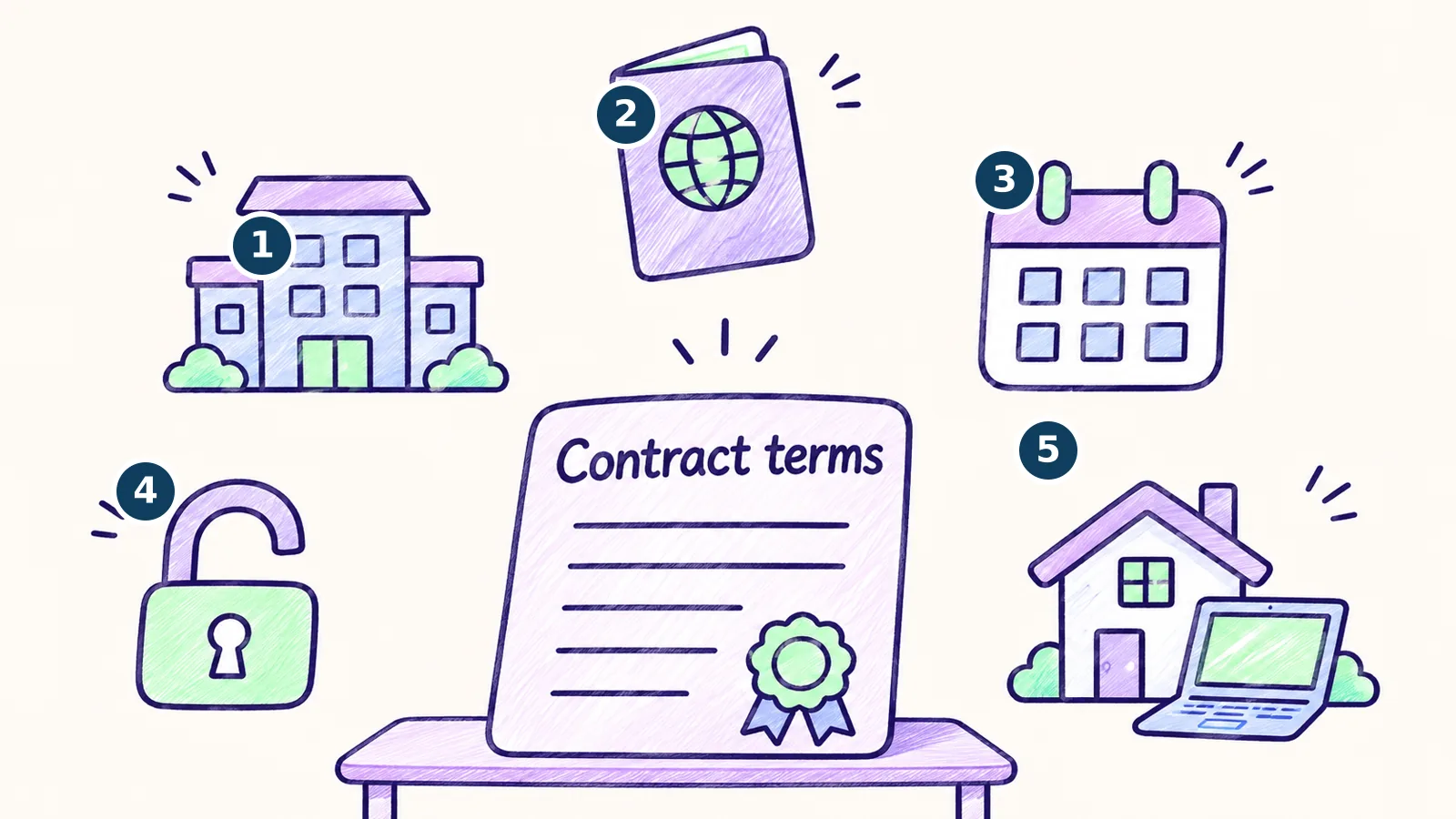
Engagement terms: know your answers
Recruiters for contract roles usually ask about these. Decide your answers before the call.
- Contract structure
- Work authorization
- Start date
- Restrictions
- Location
- Contract structure: W-2 through the staffing firm, or corp-to-corp or independent contractor through your own company. Know which you can accept.
- Work authorization: whether you can work in the country without sponsorship.
- Availability: when you can start. Roles often list a target start date.
- Restrictions: any non-compete or conflict with current work.
- Location: remote, hybrid or on-site, and any time-zone limits.
Rate approach
Treat this as a checklist of things to settle before the call.
- Decide who you want to name the range first, and how you will ask about the client's budget for the role.
- Decide what you will say if the recruiter presses you for a number, and how much room you have for the right scope.
- Confirm whether the rate is W-2 or contractor before agreeing. The same hourly number means different take-home pay.
- Write down your answers so you give the same ones on every call.
Suggested study order
- Day 1: your stories. Your intro, your terms, and two STAR stories: your best project, and a time you decided not to use AI.
- Day 1: AI agents end to end (Article 2). The core of the role. Be able to draw the agent loop from memory.
- Day 1: RAG (Article 3). Often a hard requirement. Know , embeddings, hybrid search, reranking, and how to measure retrieval.
- Day 2: MCP (Article 5) and orchestration (Article 4). LangChain and MCP show up in many job descriptions.
- Day 2: workflow tools (Article 6) and SaaS APIs (Article 10). Webhooks, retries, idempotency, OAuth scopes and rate limits.
- Day 3: Python and Node (Article 7), AI coding (Article 8), DevOps (Article 9). How you ship and verify code.
- Day 3: stakeholders (Article 11), SDKs (Article 12), then the question bank (Article 13). Rehearse your answers out loud.
Real-world applications
These roles show up wherever a team has repetitive, text-heavy work and the budget to automate it. Typical examples are invoice and document processing, support-ticket triage, lead enrichment and routing, internal knowledge-base search, and meeting or email summaries that feed a CRM. Staffing firms and agencies place contractors on this kind of project, and in-house teams hire for it as full-time roles.
How this shows up on the job
The screening answers are a small version of the daily work. Giving a before and after with a number is the same habit as measuring an automation against a reviewed sample. Knowing your terms and constraints up front is the same habit as scoping a project before you build it. And choosing a story about when you decided not to use AI shows you can pick the right tool, which matters more than reaching for a model every time.
How it shows up in interviews
- "Tell me about yourself." Use your 60-second intro and end with what you want. Say this term: "production", as in taking automations from idea to production.
- "How many years of IT or engineering experience do you have?" State the number plainly, and name the kinds of roles you held. Say this term: the role names themselves, such as infrastructure, security or software.
- "When can you start, and what is your contract structure?" Give the answers you decided before the call. Say this term: "W-2" or "corp-to-corp", whichever you can accept.
- "What rate are you looking for?" Give the approach you settled in advance. Say this term: "W-2 or contractor", so the number is clear.
More questions, with answer outlines, are in Article 13.
Official docs
You do not need these for the screen. Bookmark them for the study days.