How to Run an AI and Automation Implementation That Actually Works
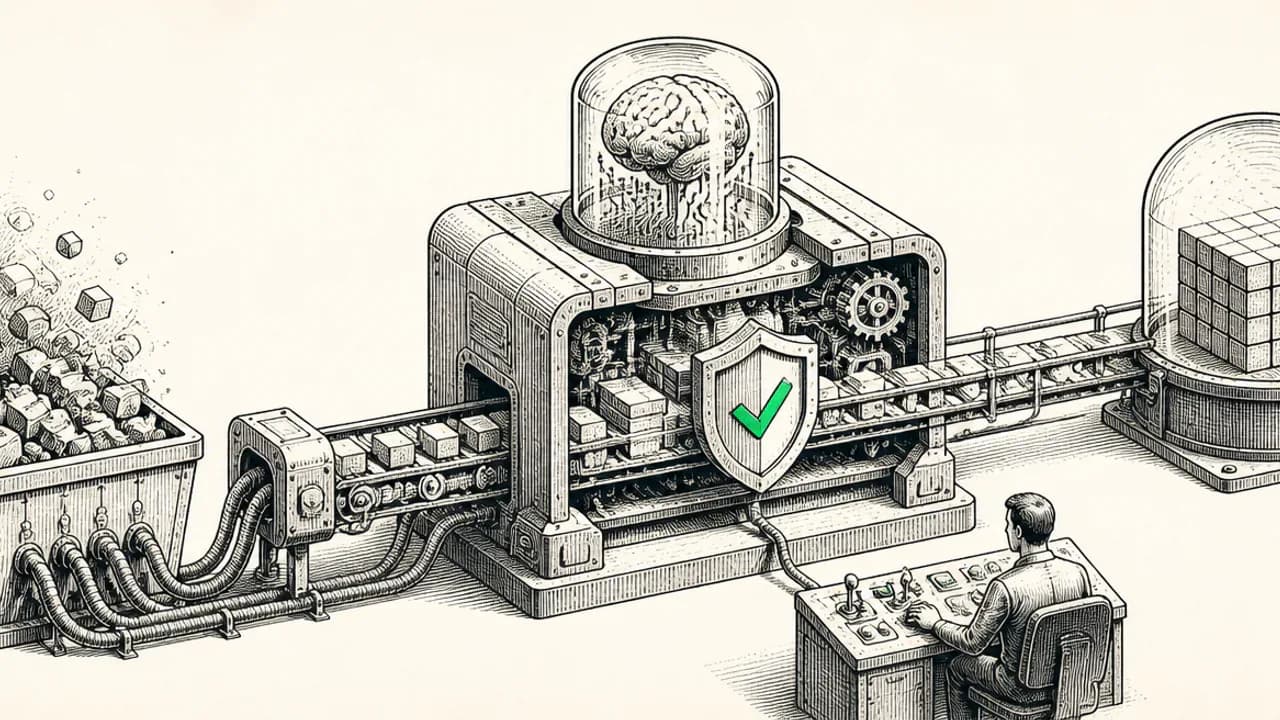
Imagine a company with 20 different software . The sales team has one list of active clients in their CRM. The operations team has a different list in their project tracker. Finance uses a spreadsheet that was accurate six months ago. Every week, someone spends hours typing the same information into three places, hoping the numbers match. Everyone is busy, but progress feels slow.
When this company decides to "get AI," they often imagine a sleek new chatbot that magically solves everything. They call a consultant, eager to see a demo. But when asked, "What exactly do you want this AI to do?" they can't answer. This isn't a failure of imagination. It's a structural problem buried in how the business operates, and it's why so many AI projects fail before they start.
The truth is, the technology is now capable and accessible. The real challenge isn't coding the AI; it's designing a process to deploy it on top of a coherent business operation. This guide explains that process in five phases, based on established practices from data management, software consulting, and organizational change.
Phase 1: Map Your Current State, You Can't Skip This
Every successful implementation begins with what consultants call a Current State Assessment or a discovery sprint. This is a two-to-four-week period where you stop assuming you know how your business works and go document it [1].
The reason is simple: you cannot design a system for an operation you don't understand. Every business has two maps. There's the founder's map, which describes how things should work, and there's the floor map, which describes how work actually gets done, complete with all the unofficial spreadsheets and workarounds. Systems built on the founder's map struggle because the team can feel the mismatch immediately. Systems built from the accurate floor map get used.
How to Run the Assessment
You start with stakeholder interviews, but you interview the people doing the work, not just their managers. You ask for a walkthrough: "Walk me through this process from the very beginning to the very end, including the steps that feel too small to mention." This reveals the real handoffs and bottlenecks.
In parallel, you catalog every place data lives. This is your silo inventory. It includes every software tool, shared spreadsheet, and even email inboxes that function as makeshift databases. Companies are often surprised to find they use 15 to 25 different tools, with a significant monthly spend on software that is barely used or duplicates another tool's function [2].
Quantify the Pain
The final, crucial step is to turn bottlenecks into dollar figures. This is pain quantification. You calculate:
1. Labor Cost: Hours per week spent on manual re-entry, multiplied by the loaded cost of the people doing it, multiplied by 52 weeks.
2. Error Cost: The cost of a typical mistake, multiplied by how often it happens.
3. Throughput Cost: The value of deals lost or projects delayed because the team was stuck doing manual work.
When leadership sees that a single repetitive data-entry costs $40,000 a year in labor, the about what to fix first becomes objective. The deliverable of this phase is a blueprint that includes process maps, the silo inventory, the quantified pain list, and a ranked list of opportunities. More importantly, the company sees its own operation clearly, often for the first time.
This phase isn't bureaucratic. Research shows that data readiness, having connected, governed, and reliable data, is a primary on scaling AI impact [2]. If you skip this assessment, you are planning to build on sand.
Phase 2: Design the Future on Paper
With a clear map of the present, you now design the future state completely on paper before writing any code. This phase, called Solution Architecture, is invisible work but it determines whether a system lasts for years or degrades in months.
Start with the Data Model
Before you think about screens or AI, you design the schema. You identify the core entities of your business, clients, projects, orders, and define what information each one carries. Then you apply the most important rule: one write path per entity.
Every piece of data has exactly one official place where it is created or updated. Every other part of the system only reads from that source. The moment two different tools can both edit the same client's status, you have recreated the silo problem you are trying to solve. This principle of a single source of truth is a foundational data management practice [3].
Decide What Needs AI (and What Doesn't)
A common mistake is adding AI to everything. Instead, classify each piece of work into one of three categories:
Deterministic Work = Automation. If the rule can be written down completely (e.g. "When a form is submitted, create a record and notify the team"), use a simple automation. It will run identically every time, with no cost or unpredictability.
Judgment Work = . Tasks that require interpretation, like reading an email to classify a request or drafting a document from notes, are good candidates for an AI agent.
Decision Work = Human. Approving a major contract or pricing a unique exception should stay with people. The system's job is to assemble all the relevant information so the human can decide in one minute instead of forty.
A surprising amount of work companies assume needs AI turns out to be deterministic. Realizing this can reduce a project's complexity and cost by a third.
Plan the Migration
You must decide how you will move from the old way of working to the new one. There are three common strategies, and the right choice depends on your business [4]:
Full Historical Migration: You clean and move all old data. This is expensive and is only necessary if your team needs to reference complete historical records daily (e.g. for client support or compliance).
Cutover Date: You pick a date. Every new client, project, or order after that date goes into the new system. Everything already in progress finishes in the old system, which naturally empties and is retired. This is ideal for businesses with short project cycles (e.g. 60 days).
Hybrid: You migrate reference data (client names, contact info) for continuity but leave transactional history (old projects, tickets) in the old system. This balances cost with operational need.
The key is to choose a strategy during the design phase and stick to it, communicating the switch date to the entire team well in advance.
Phase 3: Build in the Right Order
The build phase follows a set of principles that prevent the most common technical failures.
Foundations come first. The first weeks are dedicated to building the database: tables, relationships, and permissions. This is the least visually exciting part but the most critical, because everything else depends on it.
Workflows come before intelligence. After the database, you build the automations that move data, intake forms, routing rules, approval chains. Only after these workflows are clean and stable do you layer on AI agents. An agent reading from a well-structured database behaves reliably. The same agent placed on top of fragmented data will produce fluent, confident, and incorrect answers. Research confirms that even advanced techniques to ground AI in company data do not eliminate errors if the underlying information is incomplete [5].
Progress stays visible daily. A shared channel where the client sees a working demo of something every single day, a new form, an automation running on test data, builds trust and allows for immediate course correction. This is better than a six-week silence followed by a big reveal that misses the mark.
Quality Assurance (QA) tests realistic conditions. Before launch, test across four areas: technical integrity (does it work?), edge cases (what happens with missing data or a volume spike?), user experience (can someone use it without a manual?), and AI behavior (are the agent's outputs consistent and accurate?).
Phase 4: Launch for Adoption, Not Just Delivery
A perfect system no one uses is worthless. The goal of launch is high Adoption Rate: the percentage of mapped workflows that actually run through the new system.
The handoff includes role-based (sales trains on sales features, operations on operations features) and clear documentation. Then, for the first 30 days, you actively watch for adoption signals.
The most telling sign of low adoption is the shadow spreadsheet. If someone quietly maintains their old tracker "just in case," it means either they weren't adequately trained or the new system doesn't handle their real work. This must be caught and resolved quickly, or within a quarter the shadow system becomes the real one again.
Adoption is ultimately determined by whether the system matches how people actually work. This is why the accuracy of the Phase 1 assessment is so vital. If the system was designed from an inaccurate map, the team will reject it.
Phase 5: Maintain with Feedback Loops
An operating system is a living thing. The business changes, and the system must evolve. Ongoing health is maintained through four concrete feedback loops:
Usage Data: The system should log which features are used and which produce errors. What the team ignores is as informative as what they use.
Error Monitoring: Every automation should log its activity. Failures should trigger an alert so they can be fixed before the business is affected.
Structured Review Cycles: Hold monthly or quarterly reviews to ask: What's working? What broke? What changed in the business? This is where plans for the next department or workflow are born.
Frontline Feedback Channel: Provide a simple way for people using the system daily to report small annoyances. Fixing minor friction quickly is what keeps adoption high long after the launch excitement fades.
Why Implementations Fail, And How to Succeed
After analyzing many projects, failures almost always trace back to a handful of process mistakes, not technical ones:
Skipping the assessment. Building from assumptions instead of the real floor map.
Automating a broken process. Making dysfunction faster instead of fixing the workflow first.
Choosing tools before architecture. Letting software dictate your business design.
Putting the AI in first. Deploying agents on top of messy, siloed data, which leads to polished mistakes [5].
Having no migration owner. Launching without a clear cutover plan, so the old way never fully disappears.
Success, therefore, comes from following the process in order. A typical 90-day engagement might look like this: Weeks 1-2 for the Current State Assessment; Weeks 3-4 for architecture and database foundations; Weeks 5-8 for building and testing core automations; Weeks 9-10 for adding and testing AI agents; Weeks 11-12 for migration, training, and launch, followed by 30 days of active adoption support.
The tools have never been more powerful. That is precisely why the process matters more than ever. The work isn't about knowing the latest AI model; it's about knowing how to assess an operation, design a coherent system, and guide a team to adopt it. That is how you turn an overwhelming AI project into one that is nearly impossible to fail.
References
NordFlux. “Power Automate Discovery Sprint: What two weeks really deliver.” NordFlux. 2024. https://nordflux.de/en/insights/power-automate-discovery-sprint-what-two-weeks-really-deliver
McKinsey Technology. “AI data readiness: The key to scaling impact.” McKinsey & Company. 2024. https://www.mckinsey.com/capabilities/mckinsey-technology/our-insights/ai-data-readiness-the-key-to-scaling-impact
Frontier Software. “Single source of truth: A guide.” Frontier Software. 2022. https://www.frontiersoftware.com/system/files/document/2024-09/Single%20source%20of%20truth%202022.pdf
ERP Research. “How to Plan Your ERP Data Migration.” ERP Research. 2023. https://www.erpresearch.com/en-us/blog/plan-erp-data-migration
Y. Zhang et al.. “A Survey on in Large Language Models: Principles, Taxonomy, Challenges, and Open Questions.” ACM Transactions on Intelligent Systems and Technology. 2024. https://doi.org/10.1145/3703155