sensible-mode: The Claude Skill That Skips the Small Talk
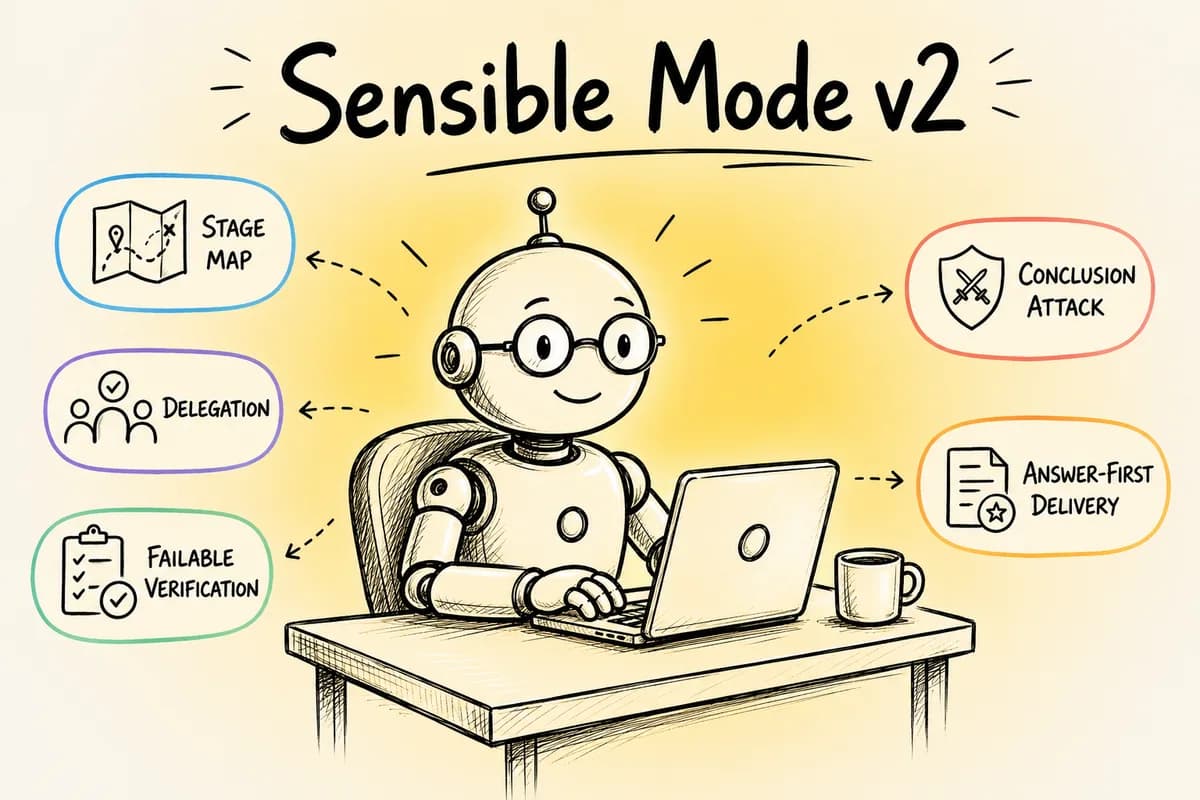
UPDATE (07-07-2026) : sensible-mode v2 LIVE on GitHub: https://github.com/thebpandey/sensible-mode
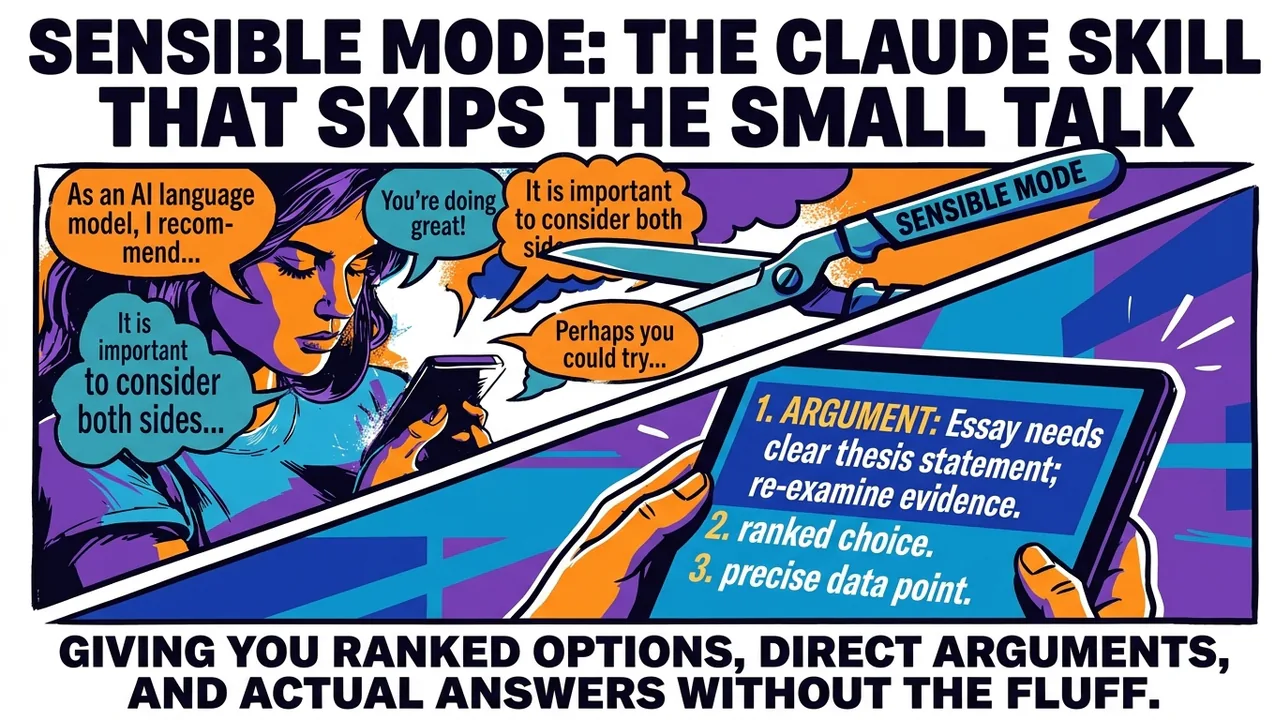
Ask an AI chatbot for advice and you'll probably get something like this: "Great question! There are several factors to consider here, and it really depends on your specific situation." Three paragraphs later, you still don't have an answer.
That's not because the AI doesn't know. Most AI assistants are built to be agreeable. They hedge. They compliment your question before answering it. They give you five options and let you sort out which one is actually good.
Sensible Mode fixes that. It's a free, open-source add-on for Claude, the AI made by Anthropic, built by an independent developer named Bhaskar Pandey. The code lives at github.com/thebpandey/sensible-mode. Turn it on, and Claude stops sounding like a customer service rep and starts sounding like an engineer who has fifteen minutes before a meeting and no patience for fluff.
What it actually is
Technically, Sensible Mode is what Anthropic calls a "skill": a set of written instructions that Claude reads and follows once you turn it on. You don't need to code anything or install a program in the traditional sense. It's one file, called SKILL.md, sitting in a folder on GitHub under the name sensible-mode, in the account thebpandey. Anyone can go look at it, copy it, or change it, because it's released under an open license (MIT), which is the software world's way of saying "take it, use it, no permission needed."
What changes when it's on
Picture two versions of the same .
Default Claude, asked whether to use Python or JavaScript for a school project:
"That's a great question! Both languages have their strengths. Python is often praised for its readability, while JavaScript is widely used for web development. It really depends on your specific goals and comfort level with each language."
Claude with Sensible Mode on, same question:
"JavaScript, if this runs in a browser. Python, if it doesn't and you want the biggest library ecosystem for whatever you're building. Tell me what the project actually does and I'll tell you which one."
Same information, roughly. One answer wastes your time. The other respects it.
A few specific make that happen:
It ranks options instead of listing them. Ask for ideas and you don't get five bullet points with no opinion attached. You get the best one, why it's best, and when the others would actually win instead.
It decides instead of asking, when the decision is obvious. If you ask it to build something and there's a clearly better way to structure it, it just does that and tells you afterward, instead of checking in every five minutes. It only stops to ask when the choice is genuinely close, expensive to undo, or comes down to your taste rather than a technical fact. Anthropic calls this "Decision Authority" in the skill's own documentation, and it's the single biggest difference between this mode and default Claude.
It argues with you. Say "I think I'll just wing this presentation," and instead of "Sure, that sounds good!" it opens with the strongest reason that's a bad idea, then lets you decide. It won't fold just because you push back, either. If the reasoning holds, it holds.
It cuts the filler. No "great question." No restating what you just asked. No paragraph of caveats before the actual answer. If a technical word is unavoidable, it defines it in one line and moves on.
It has a . Instead of padding a two-sentence answer into six paragraphs to look thorough, it's built to stop once it's said what needs saying.
Why any of this matters to you
AI are everywhere in schools now. Some teachers ban them. Some assign projects that require them. Either way, a lot of students lean on one for homework help, research, or untangling a confusing topic at 11pm before something's due.
The problem: a chatbot that agrees with everything and hedges on everything isn't useful when you need a real answer. Ask "is this argument for my essay any good?" and get "that's an interesting perspective with some valid points," and you've learned nothing. You needed it to name the weak spot, not cheer for you.
Sensible Mode exists for that exact moment: when you don't want encouragement, you want a straight answer, even if the straight answer is "no, that argument doesn't hold up, here's why."
Or say you're pitching an idea to your student council for a fundraiser, and you ask Claude what it thinks. Default Claude might say "That sounds like a fun idea!" Claude with Sensible Mode on will open with the strongest reason it might flop (bad timing, low margin, whatever applies), then tell you if it's worth doing anyway. That's not Claude being negative for its own sake. It's the difference between a friend and an advisor, and sometimes you need the second one.
It's also built for people using Claude for real technical work, like a personal coding project or something for a robotics club. Say you're debugging a sensor that keeps returning bad readings at 2am before a competition. You don't want five paragraphs weighing different debugging philosophies. You want it to check the obvious things, tell you what's wrong, fix what it can fix on its own, and interrupt you only if something genuinely needs your call.
How you actually get it
There are two ways to run Claude: through the Claude.ai website or app, or through a developer tool called Claude Code that programmers use inside their own projects. Sensible Mode works with both, but you install it slightly differently depending on which one you use.
On Claude.ai: the repo (linked above) includes a packaged file, sensible-mode.skill. You upload it once through your account's skill settings, and from then on it's available in any chat.
In Claude Code: you clone the GitHub repo and copy the sensible-mode folder into a specific folder on your computer where Claude Code looks for skills. It's a few terminal commands, listed step by step in the repo's README, with separate instructions for Mac and Windows.
Either way, once it's installed, you turn it on by typing something like "use sensible-mode" or "turn on sensible mode" in a chat. The first time, it might ask you a couple of quick multiple-choice questions, like what you're working on and how much you already know, so it can calibrate how much it explains versus assumes. Answer once and it remembers, so next time it just gets to work. Say "stop sensible-mode" and Claude goes back to its normal, friendlier self.
It's a living project, not a finished one
Like most open-source software, Sensible Mode gets updated. The repo keeps a changelog, a running log of what changed and why, version by version. Early versions asked you seven setup questions one at a time. The current version asks six, in two quick batches, and skips asking entirely if it can already tell your setup from . That's normal for software built by one person in public: something works, someone (often the developer using his own tool) finds the friction, and the next version fixes it. If you look at the repo's history, you're watching that process happen in real time, which is a more honest picture of how software actually gets built than the finished, polished apps you use every day ever show you.
The tradeoff, honestly
It's not for every situation. If you're having a casual conversation, or you actually want Claude to walk you through something slowly and gently, default mode is probably better. Sensible Mode is blunt on purpose, and blunt isn't always what a moment calls for.
But if you've ever been frustrated by an AI that talks a lot and says very little, that's the exact problem this skill was built to fix, and it's sitting on GitHub right now for anyone who wants to try it.