The Context-Summary Prompt to Shape Lengthy Conversations

There’s a moment in a long AI where nothing is technically broken, but everything starts to feel slightly off.
The model still responds. It still follows instructions. It still sounds coherent.
But it begins to drift in subtle ways.
It remembers an earlier direction you already replaced. It reintroduces a detail you explicitly removed. It mixes the current version of the plan with fragments of older ones. You correct it, it adjusts, and then a few messages later something outdated quietly reappears.
At first, I used to fix this by adding more instructions.
“Use the latest version only.”
“Ignore earlier decisions.”
“Keep everything consistent with what we just agreed on.”
But over time, those fixes start stacking on top of each other. The conversation becomes less about progress and more about maintaining alignment.
So instead of continuing to patch it, I now reset the working state.
I ask the AI to reconstruct the conversation into a clean, usable project snapshot.
Think of the Context Window as a Workspace, Not a Memory
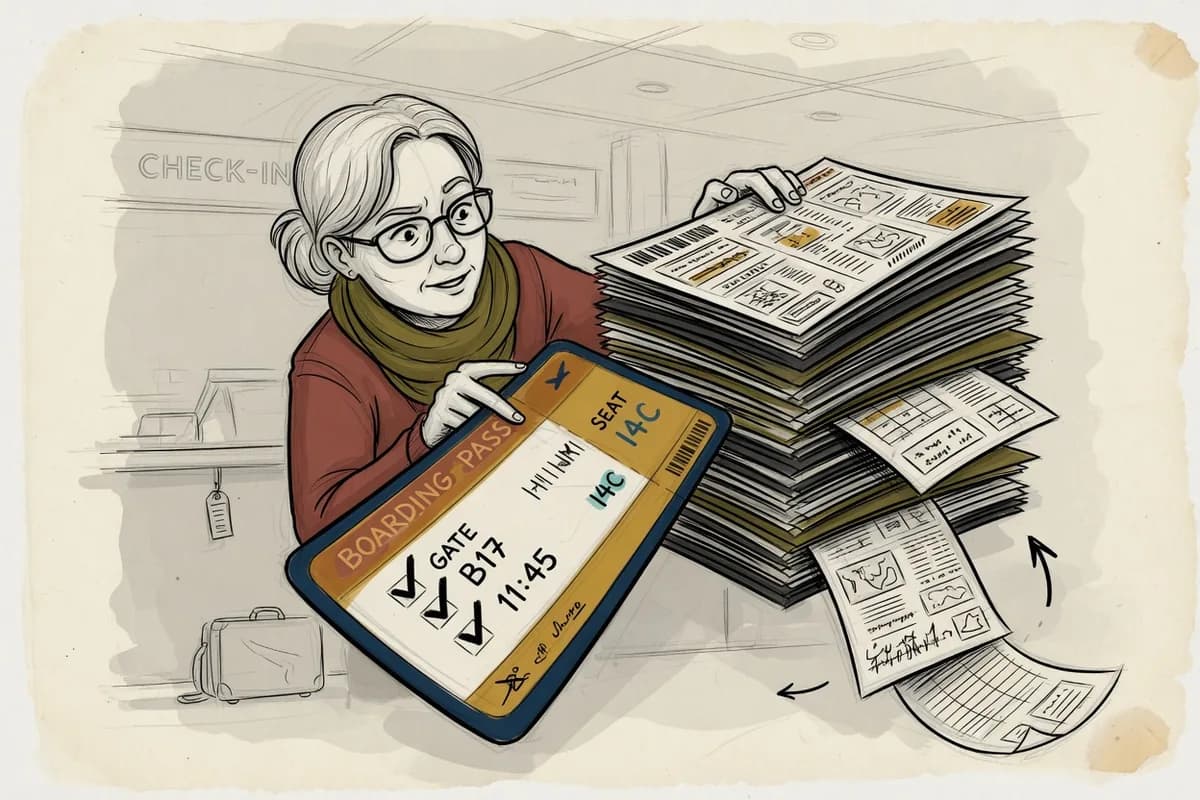
A helpful way to understand this is to imagine the model working at a desk inside a much larger archive.
The archive represents everything the model learned during . It contains patterns of language, structure, reasoning, documentation styles, code formats, and countless examples of how information tends to be organized in the real world.
The workspace is the .
This is the limited set of information the model can actively use while generating a response. It includes your current messages, prior turns in the conversation, , uploaded content, and any tool outputs provided during the session.
Modern models can handle very large contexts—sometimes hundreds of thousands of depending on the system and configuration.[1][3] A token is a small chunk of text the model processes, which might be a word, part of a word, or punctuation.[2]
But even a large workspace can become disorganized.
Imagine a desk that can hold hundreds of pages. That sounds powerful—until those pages are a mix of:
the current plan
earlier versions of the same plan
corrections to those earlier versions
conflicting instructions written at different times
Nothing is missing. Everything is technically present. But the usable structure is gone.
That is the problem this is meant to fix.
Adding More Instructions Eventually Makes Things Worse
When an AI starts to lose track of the current direction, the instinct is often to keep clarifying.
And sometimes that works.
But in long conversations, it often leads to the opposite effect.
For , in a design project you might go through several iterations:
navigation structure changes multiple times
section names get renamed
features are added, removed, and reintroduced
layout decisions evolve over time
After enough iterations, the chat contains all versions at once.
At that point, instructions like:
“Use the newest structure, but keep the earlier footer except for the updated contact section, and also preserve the previous spacing …”
stop being helpful.
You are no longer guiding the project forward.
You are trying to reconcile its entire history in real time.
That’s usually when I stop and rebuild the instead.
What I Actually Need Is Not a Summary
A simple “summary” of a long conversation is often too shallow to be useful.
It might say something like:
We discussed a website, its structure, and several design options.
That is accurate—but it doesn’t help you continue working.
What I actually need is a current-state brief.
Not what happened.
But what remains true right now.
A usable brief should preserve:
the current objective
the latest agreed-upon direction
constraints that still apply
decisions that are finalized
items that were rejected or replaced
open questions that still need answers
anything risky, unclear, or inconsistent
and a clear path forward
So instead of asking for a summary, I use a structured reconstruction prompt.
The Context-Summary Prompt
Here is the version I use:
Reconstruct this entire conversation into a clean, structured working brief that represents the current state of the project.
Do not introduce new ideas, improvements, or assumptions. Do not reinterpret or expand on what was said. Only extract and organize what is already present in the conversation.
Format the output using the following sections:
1. Current objectiveWhat are we actively trying to achieve right now?
2. Present state of the workWhat is the latest agreed direction, version, or configuration we are operating from?
3. Fixed requirementsWhat constraints, rules, or conditions must remain unchanged? Distinguish strict requirements from flexible preferences.
4. Key established detailsInclude any important specifics such as names, values, technical choices, examples, numbers, or exact phrasing that still matter.
5. Confirmed decisionsWhat has been explicitly chosen, approved, replaced, or finalized so far?
6. Unresolved itemsWhat questions, decisions, or uncertainties are still open?
7. Potential issues or inconsistenciesHighlight anything that may be conflicting, outdated, ambiguous, or easy to misinterpret.
8. Suggested continuation stepProvide a single, precise next prompt that would continue the work cleanly from this state.
The most important constraint in this entire prompt is:
Do not introduce anything that was not already present in the conversation.
That is what keeps the output from turning into a redesign instead of a reconstruction.
When to Use It
Once I generate this structured brief, I usually take one of two paths.
If the conversation is still manageable, I continue in the same thread and say:
Treat the reconstructed brief as the only source of truth going forward. Ignore earlier conflicting context unless it is included in the brief.
If the conversation has become too long, tangled, or inconsistent, I start fresh.
I paste the brief into a new chat and say:
This is the current state of the project. Continue from here only. Do not rely on prior conversation history beyond what is included in this document.
This effectively resets the workspace without losing the actual work.
One Important Step: Verify the Output
This part is critical.
Do not assume the reconstructed brief is perfect.
Read it carefully.
Check for:
subtle changes in meaning
missing constraints
reintroduced ideas that were previously rejected
incorrect consolidation of multiple versions
anything that feels “smoothed over” instead of faithfully preserved
The model is organizing your information, not validating it.
Treat the result as a structured draft of reality—not reality itself.
The Point Is Clarity, Not Accumulation
Long AI conversations are powerful because they accumulate context over time.
But accumulation alone is not the goal.
Clarity is.
When a chat starts to feel like you are constantly repairing inconsistencies instead of making progress, that is the signal to stop layering instructions on top of it.
Rebuild the context.
Extract the current state.
Clean the workspace.
Then continue from a stable foundation—either in the same thread or a new one.
You are not losing information.
You are compressing it into a form that can actually be used.
Sources & References
[1] OpenAI. Model context window documentation. OpenAI Help Center. Context lengths vary by model and configuration, with some systems supporting very large input sizes.
[2] OpenAI. overview. OpenAI Help Center. Tokens are the basic units of text processed by language models and may represent words, subwords, or punctuation.
[3] Anthropic. Claude model documentation. Anthropic provides details on context window sizes and how models process extended inputs across long conversations.