context-summary: A Quick Note That Saves The Bits That Matter, Not Your Entire Chat History
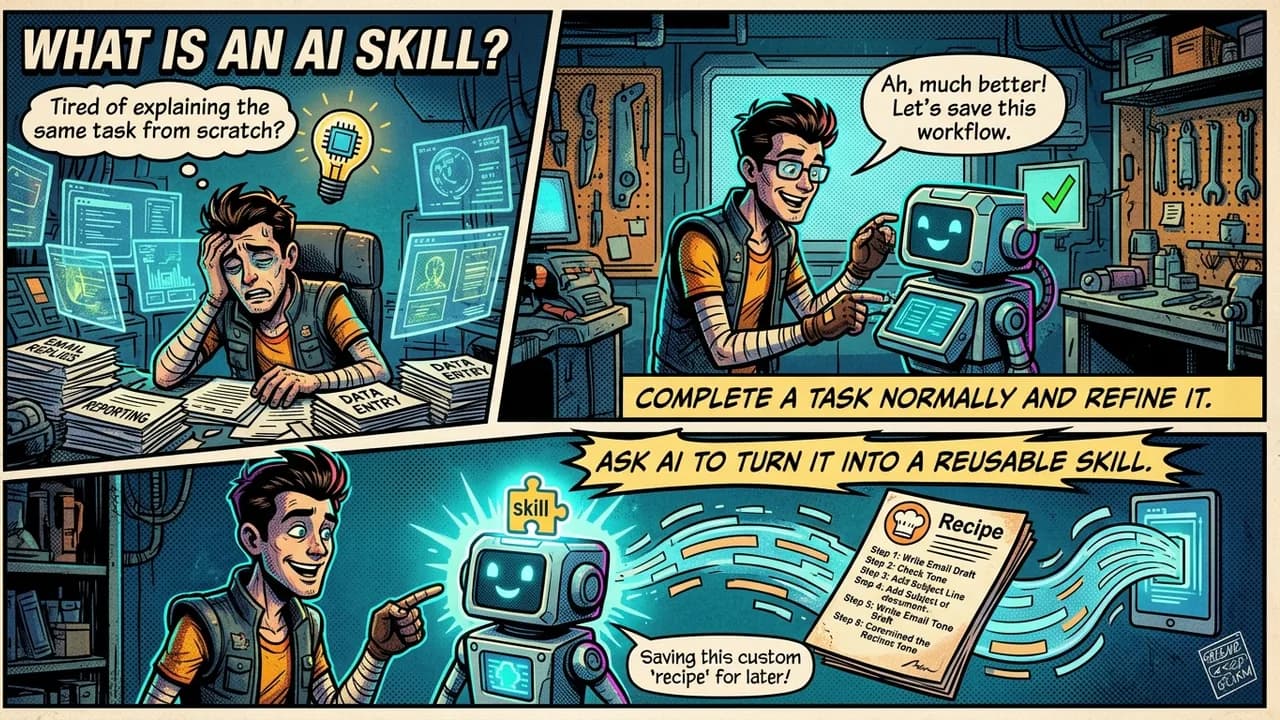
Say you have been chatting with an AI like Claude for a while, working on something together. The chat gets really long. Maybe it hits a limit. Maybe you just want to start over with a clean chat. Now you have to explain everything again: what you were doing, what you already decided, what mistakes to avoid this time. That takes time. It also costs money, because AI companies charge based on how much text they have to read.
-summary is a tool that fixes this. You type a phrase like "context summary." The tool reads the chat you are already in and writes a short note. You copy that note into a new chat and keep working like nothing was lost.
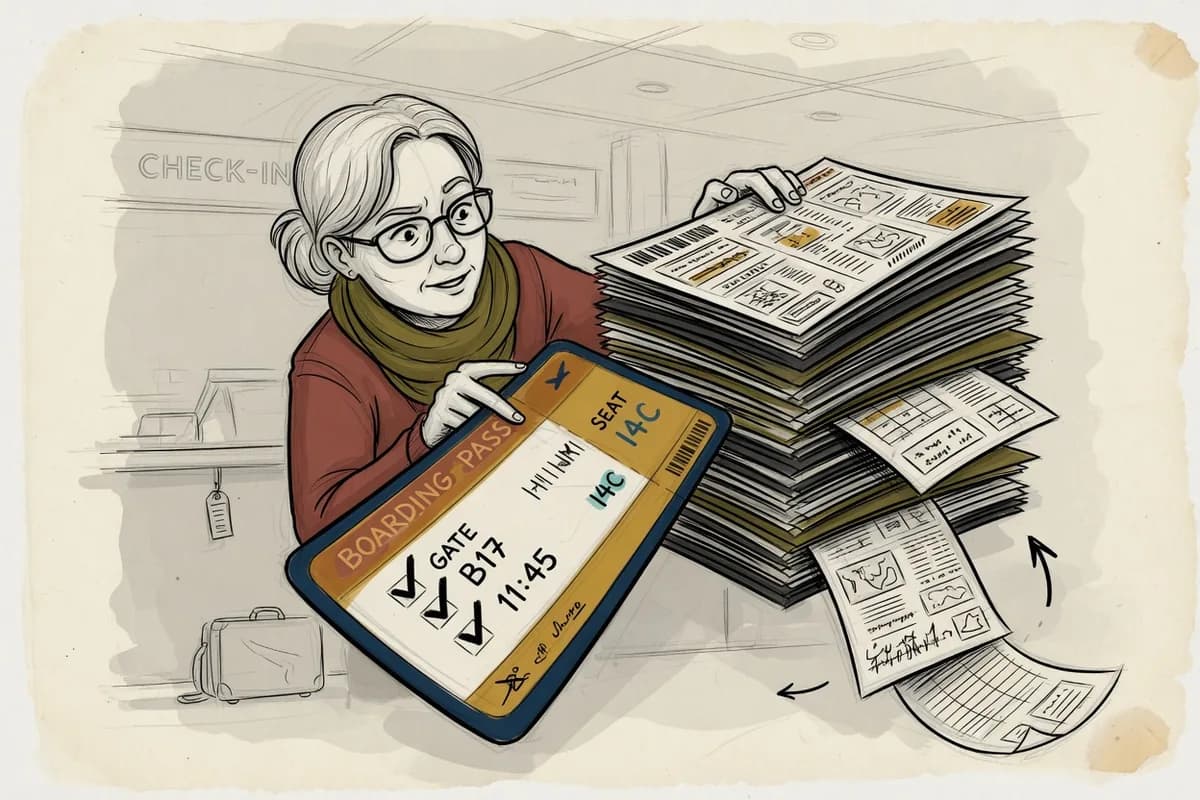
Think of a Boarding Pass
A boarding pass tells you your seat and your gate. It does not print your whole trip history. This tool works the same way. It does not try to save everything that happened in your chat. It saves only the parts that would actually change what you do next. If something would not change your next step, it gets left out.
Seven Sections, Same Order Every Time
The note always has seven parts, always in the same order:
- State: what you are working on, and where it stands right now.
- Current Head: the technical setup. For code, this means your branch name. For other work, it means the stage your document or plan is at.
- Decisions Locked: choices that are already final. Do not question these again.
- Active Gotchas: traps that could trip you up next, and how to dodge each one.
- Open Questions: stuff that is still unsettled, and when it needs an answer.
- Archive Pointer: a link to a fuller log, if you keep one, so nothing gets truly lost.
- Next Step: the exact text to paste into your new chat so you can start working right away.
The order never changes. That means you always know exactly where to look for something.
What Got Fixed in the Newest Version
The first version of this tool worked fine. But a closer look found a real problem: it was quietly wasting money on every single in a new chat.
Here is the money problem in plain terms. Once you paste that note into a new chat, the AI has to read the whole note again on every single reply after that. So a 5,000-word note, used across a 30-message chat, adds up to roughly 150,000 words of reading. That is because the AI rereads it every time, not just once. Anything extra in that note gets paid for again and again, not just once.
Fix one: the last section stopped repeating itself. The last part of the note, the one you paste to start your new chat, used to copy the same decisions and warnings that were already written a few lines above it. Now that section is just three lines: what you are picking back up, what to do next, and a note pointing back up to the full details above it.
Fix two: empty sections stopped taking up space. If nothing needed to go in a section, the old tool still printed "Nothing this time" under that heading, every single time. The new version just skips empty sections completely, and lists which ones got skipped in one line at the top.
Fix three: the length rule got easier to follow. The old rule tried to limit the note by counting AI (chunks of text the AI processes). The problem: an AI cannot actually count its own tokens while it is writing. It is like asking someone to count their own heartbeat while running. So the rule changed to counting lines instead, since that is something the AI can actually track while it writes. The target is now about 40 lines, with 80 as the hard limit.
Fix four: the examples got less specific. The old note used two exact (Supabase and Vercel) as if everyone used those exact same tools. Now it uses general labels like "backend service" and "deploy target," with those two tools listed only as examples. So it fits anyone's setup, not just one specific stack.
Why This Matters for More Than One Tool
Here is the bigger idea. Every word you keep in an AI chat gets processed again on every future message. Some AI companies offer a discount for repeated text, called caching. But that discount lowers the price. It does not remove the repeating itself. So if you are ever writing prompts or summaries for AI work, ask yourself: will this actually change the next answer? If not, cut it.
context-summary is free and open for anyone to use or change. Find it at thebpandey/context-summary on GitHub.
Next Actions
- Get the tool from GitHub if you have not already.
- Try saying "context summary" at the end of your next long chat.
- Check your next note against the 40-line target and see how close it lands.